
Setup
How Setup Works: Box, Subscription and First Evening
Three steps, no scavenger hunt. The Premium Box includes installation. Subscription-only requires a confirmed compatible device.
AED 1,250Current package
AED 1,050
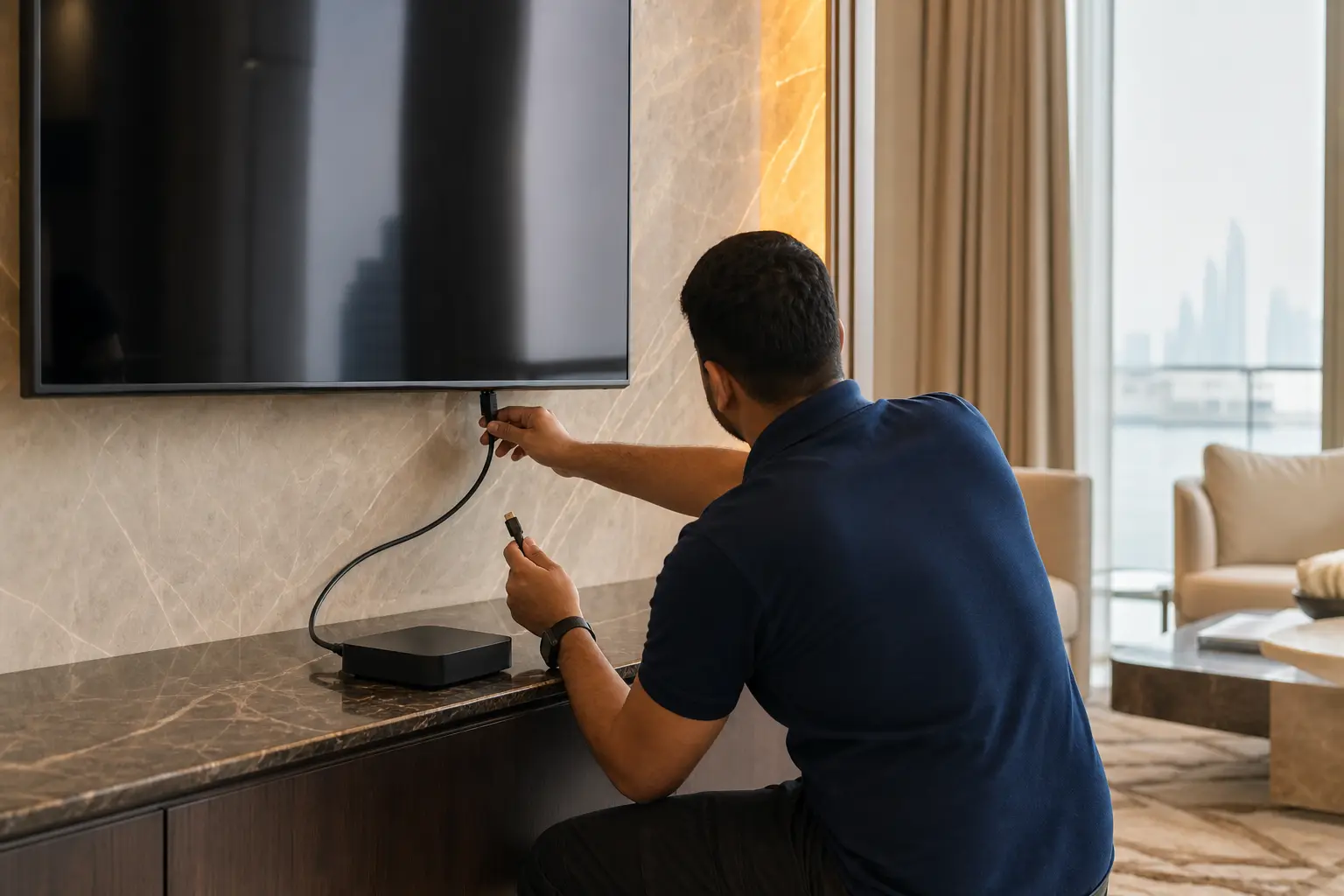
Direct answer
How do I set up DrexTV UAE?
Choose the Premium Linux IPTV Box or a subscription-only plan, send an enquiry with your emirate, then complete setup. The box includes a professional installation visit. Subscription-only is activated after device compatibility is confirmed.
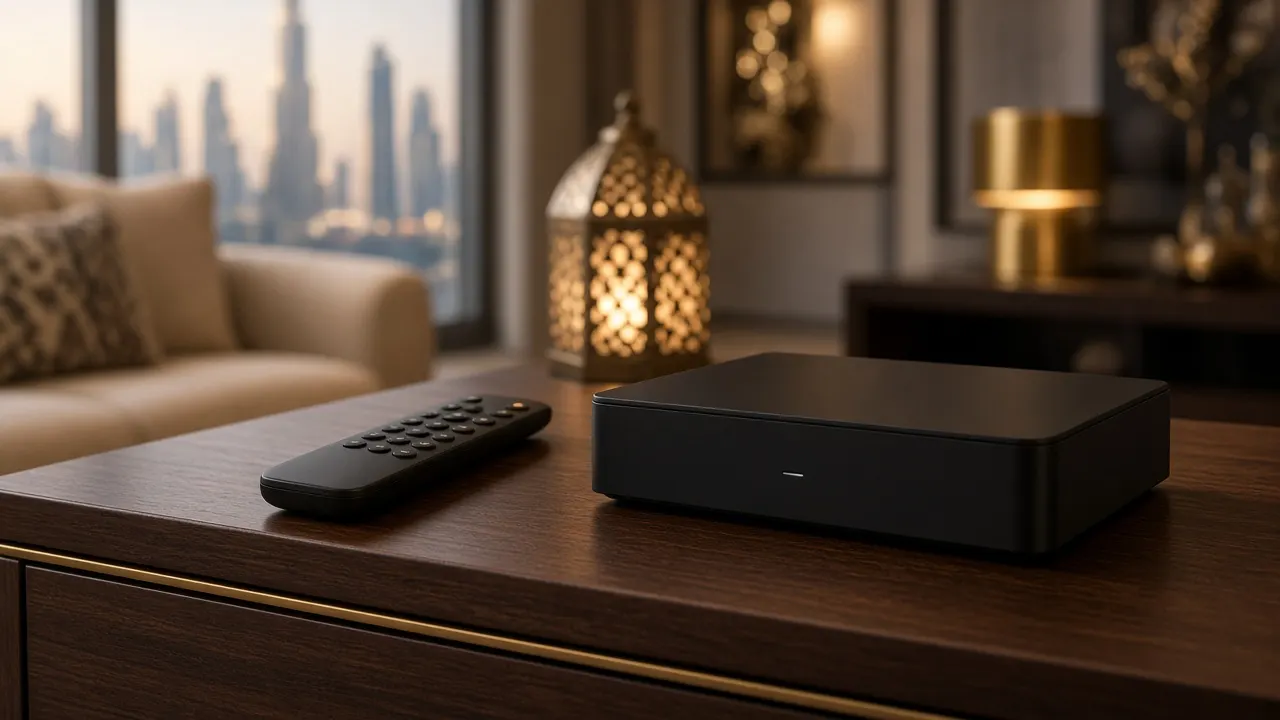
Step 1 — Choose your setup
Most homes should choose the Premium Box. Choose subscription-only only if you already own hardware that DrexTV UAE can confirm.
Step 2 — Get the box or subscription
Use the contact form. Include emirate, building type, and any device model. You will not be asked to pay against an invented countdown.
Step 3 — Complete setup and start using the service
On box orders, the installer finishes the physical setup. On subscription-only orders, activation follows confirmation. Support remains available after the first evening.
Prepare the room, not a toolbox
Free a HDMI port. Know the Wi-Fi name. Be home. For the box, installation is included. For subscription-only, have the device model written down so we can confirm it before activation.

Continue exploring
Enquire about the Premium Box
The complete living-room package is currently AED 1,050. It was previously listed at AED 1,250 and still includes the Linux IPTV box, professional installation, and a one-year subscription.
The Premium Linux IPTV Box is currently AED 1,050. The same complete package was previously listed at AED 1,250. It includes the box, professional installation, a one-year subscription, setup assistance and support after setup.